> ## Documentation Index
> Fetch the complete documentation index at: https://docs.abbyy.com/llms.txt
> Use this file to discover all available pages before exploring further.
# Creating a workflow for a file
> Adapt a Laserfiche workflow for a single file by swapping Find Entries for Find Entry, and then publish it as a business process for the Laserfiche Client.
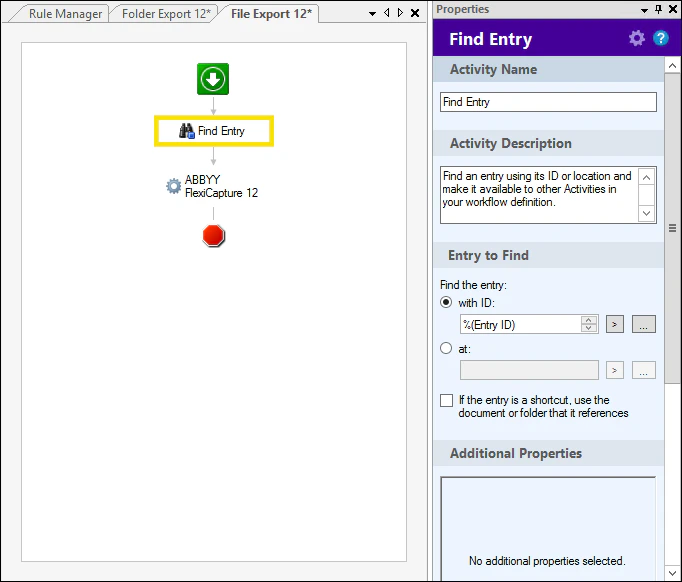
Replace **Find Entries** with **Find Entry** and remove **For Each Entry**:
 Once the workflow is assembled, you must ***publish*** it:
 To prevent a user from starting business processes from Laserfiche Client, you should give the user **read-only** access rights when adding the user to the list of repository users on the **Laserfiche Web Client Management** page. Users with **read-write** access rights will be able to start business processes.
Once the workflow is assembled and published as a business process, it can be started in Laserfiche Client.
To prevent a user from starting business processes from Laserfiche Client, you should give the user **read-only** access rights when adding the user to the list of repository users on the **Laserfiche Web Client Management** page. Users with **read-write** access rights will be able to start business processes.
Once the workflow is assembled and published as a business process, it can be started in Laserfiche Client.