> ## Documentation Index
> Fetch the complete documentation index at: https://docs.abbyy.com/llms.txt
> Use this file to discover all available pages before exploring further.
# Standby screen
> The standby screen appears in the ABBYY Vantage Manual Review Client when no tasks are available in the queue. Operators wait here between tasks.
The standby screen keeps you in the Manual Review Client while you wait for the next task to arrive in the queue.
## About the standby screen
When you launch the [Manual Review Client](/vantage/documentation/runtime/manual-review/manual-review), it automatically opens the next available task from the queue. If no tasks are available, the Client displays the standby screen instead.
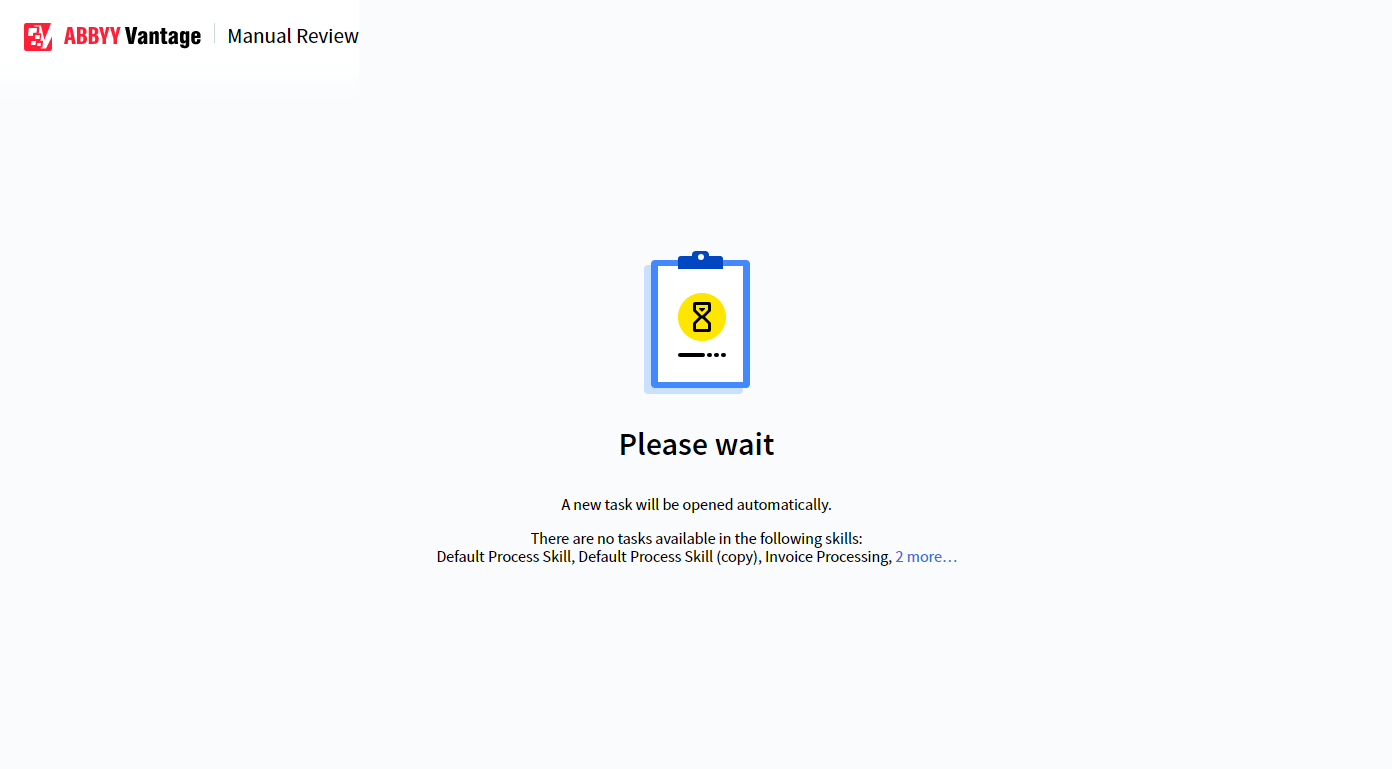 The standby screen lists the [skills](/vantage/documentation/skill-catalog/skill-catalog) available for processing documents. Once a new task appears in the queue, the task opens automatically.
## No access errors at launch
If you do not have the required permissions to use the skills, the Client displays a *No access* error at launch instead of the standby screen. Contact your system administrator to request the necessary permissions.
## Related topics
Overview of how Manual Review works in Vantage
Receive, resume, and withdraw tasks in the Manual Review Client
Complete or reject a task and return it to the queue
The standby screen lists the [skills](/vantage/documentation/skill-catalog/skill-catalog) available for processing documents. Once a new task appears in the queue, the task opens automatically.
## No access errors at launch
If you do not have the required permissions to use the skills, the Client displays a *No access* error at launch instead of the standby screen. Contact your system administrator to request the necessary permissions.
## Related topics
Overview of how Manual Review works in Vantage
Receive, resume, and withdraw tasks in the Manual Review Client
Complete or reject a task and return it to the queue