
Run the sample bot
1
Open Import bots
On the left panel of the Automation Anywhere Control Room, open the Automation section. Click Import bots.
2
Import the sample bot
Navigate to the
VantageBot.zip file in the Distribution Kit and confirm the import.3
Open the sample bot
Open the imported ABBYY Vantage bot.
4
Set the connection parameters
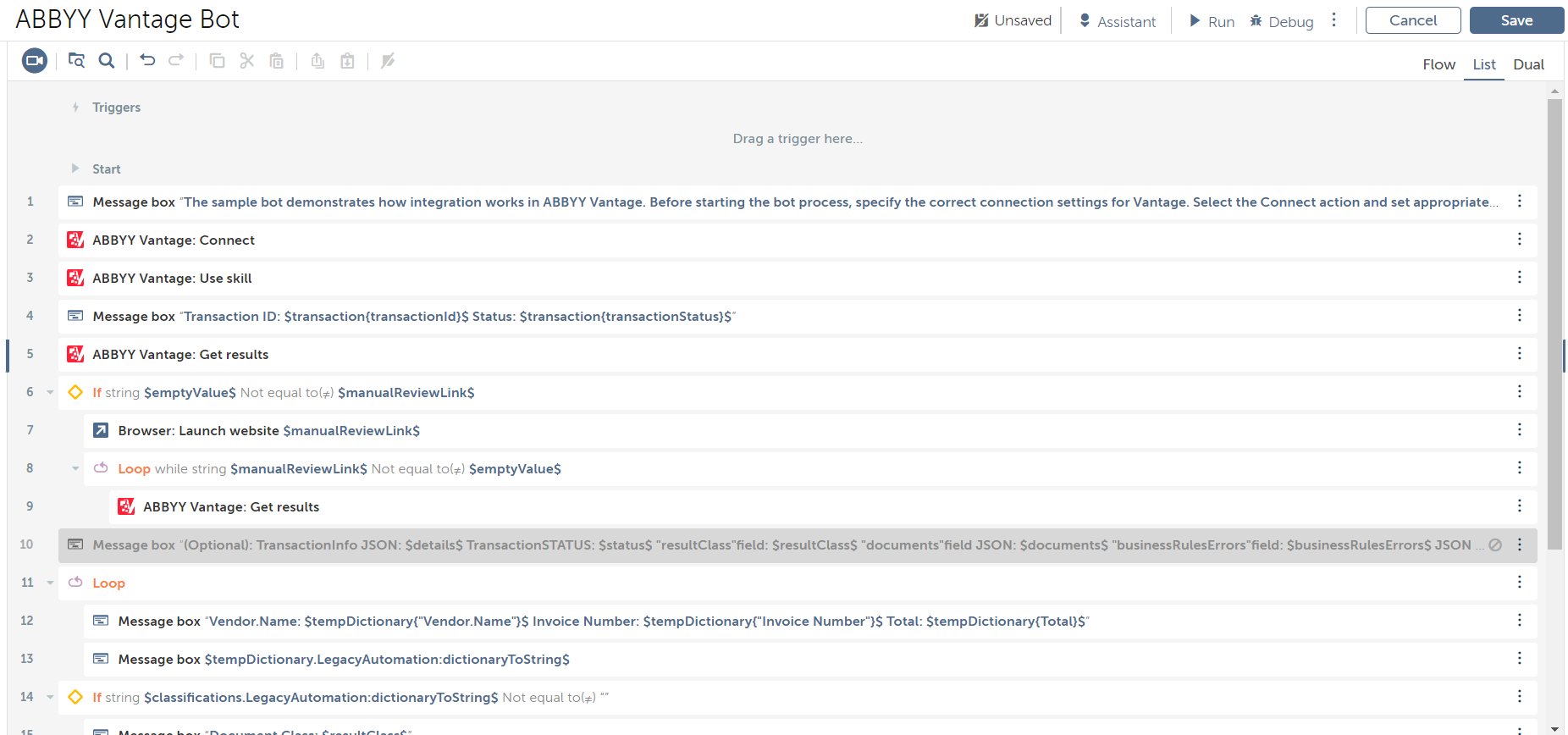
In the Bot editor, select the Connect action to open the Action details panel. Specify the Server URL, Login, and Password fields. If these fields are not editable, check out the Task Bot first.
5
Set the file to process
On the Variables tab, open the
fileToProcess variable and specify the full path to the files you want to process.6
Set the output folder
On the Variables tab, open the
outputDirFolder variable and specify the path to the folder where you want the processing results to be downloaded.7
Run the bot
Run the Task Bot by clicking Run in the upper-right corner.