
1
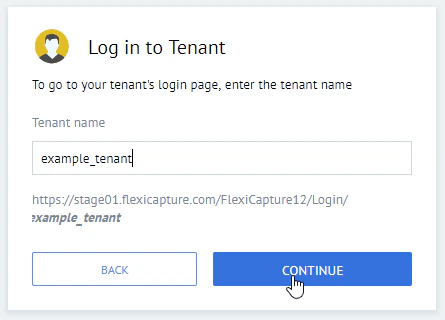
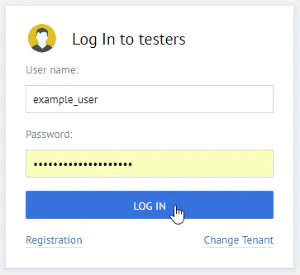
Log in to the console
Enter your account credentials to log in to the web Administration and Monitoring Console on your tenant.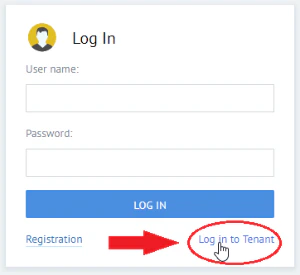
2
Open the event log
Click Processing Monitor and then click Event log.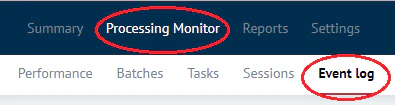
3
Create a filter for the task ID
Click the + icon to create a new filter that looks for the batch with the same name as the ID of the task you are looking for.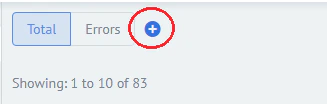

After you enter the ID in the field on the right, make sure you click the matching ID that appears in the tip below the entry field; otherwise the filter will not work.
4
Apply the filter
Click Apply.
5
Review the results
Review the task status and any errors found in the task.
6
Contact ABBYY Support if needed
If you are unable to fix an error, contact ABBYY Support.
The batch ID in FlexiCapture Cloud will not match the task ID in the FlexiCapture REST API.