
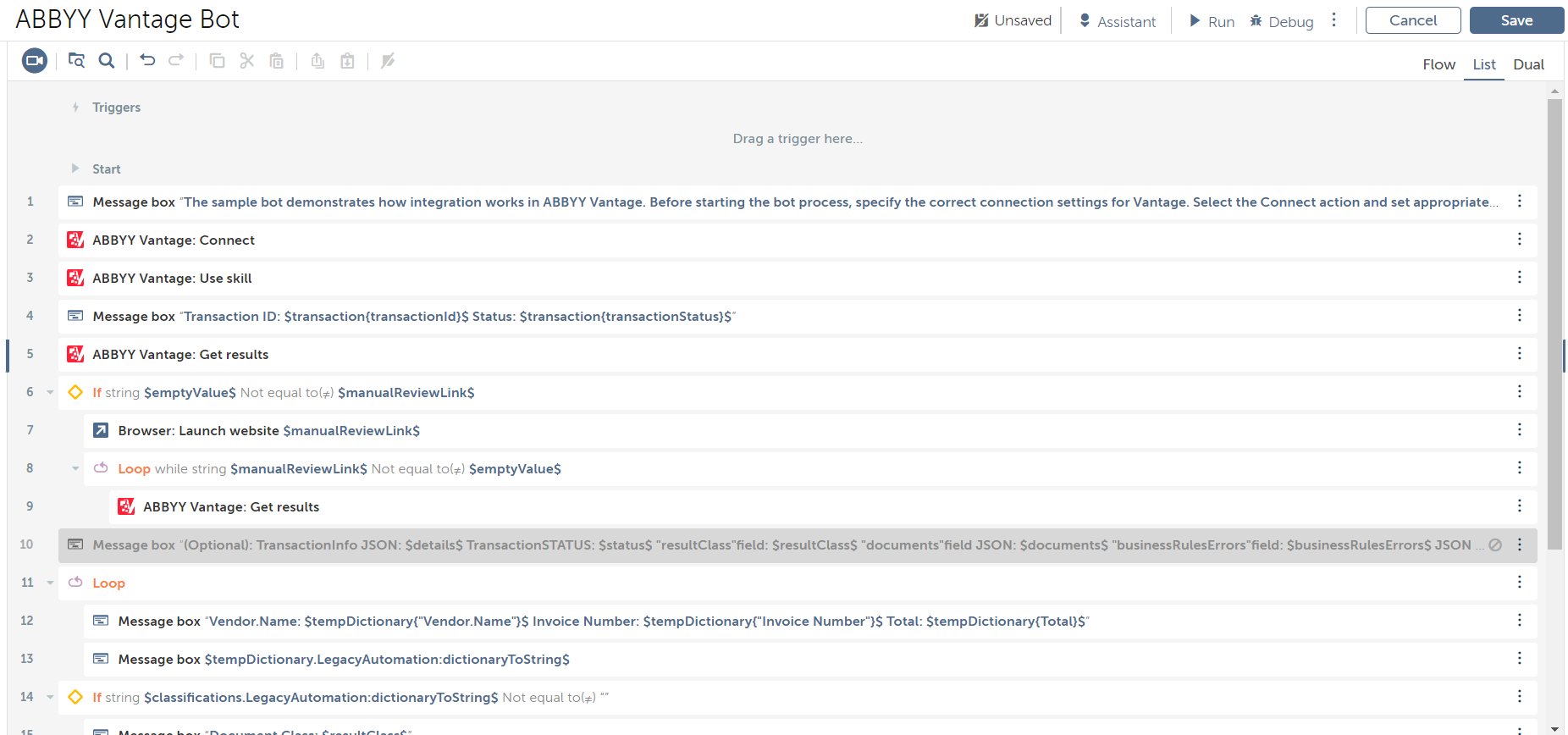
サンプルボットを実行する
1
Import bots を開く
Automation Anywhere Control Room の左側のパネルで、Automation セクションを開きます。Import bots をクリックします。
2
サンプルボットをインポートする
配布キット内の
VantageBot.zip ファイルを選択し、インポートを確定します。3
サンプルボットを開く
インポートした ABBYY Vantage ボットを開きます。
4
接続パラメーターを設定する
Bot editor で Connect アクションを選択し、Action details パネルを開きます。Server URL、Login、Password のフィールドを指定します。これらのフィールドを編集できない場合は、先に Task Bot をチェックアウトしてください。
5
処理するファイルを設定する
Variables タブで
fileToProcess 変数を開き、処理するファイルのフルパスを指定します。6
出力フォルダーを設定する
Variables タブで
outputDirFolder 変数を開き、処理結果のダウンロード先フォルダーのパスを指定します。7
ボットを実行する
右上隅の Run をクリックして、Task Bot を実行します。