
Change the language on the login screen
On the login screen, select a language from the drop-down list in the upper-right corner. The interface switches right away.Change the language in User Preferences
1
Open User Preferences
Click your email address in the lower-left corner, and then select User Preferences.
2
Select a language
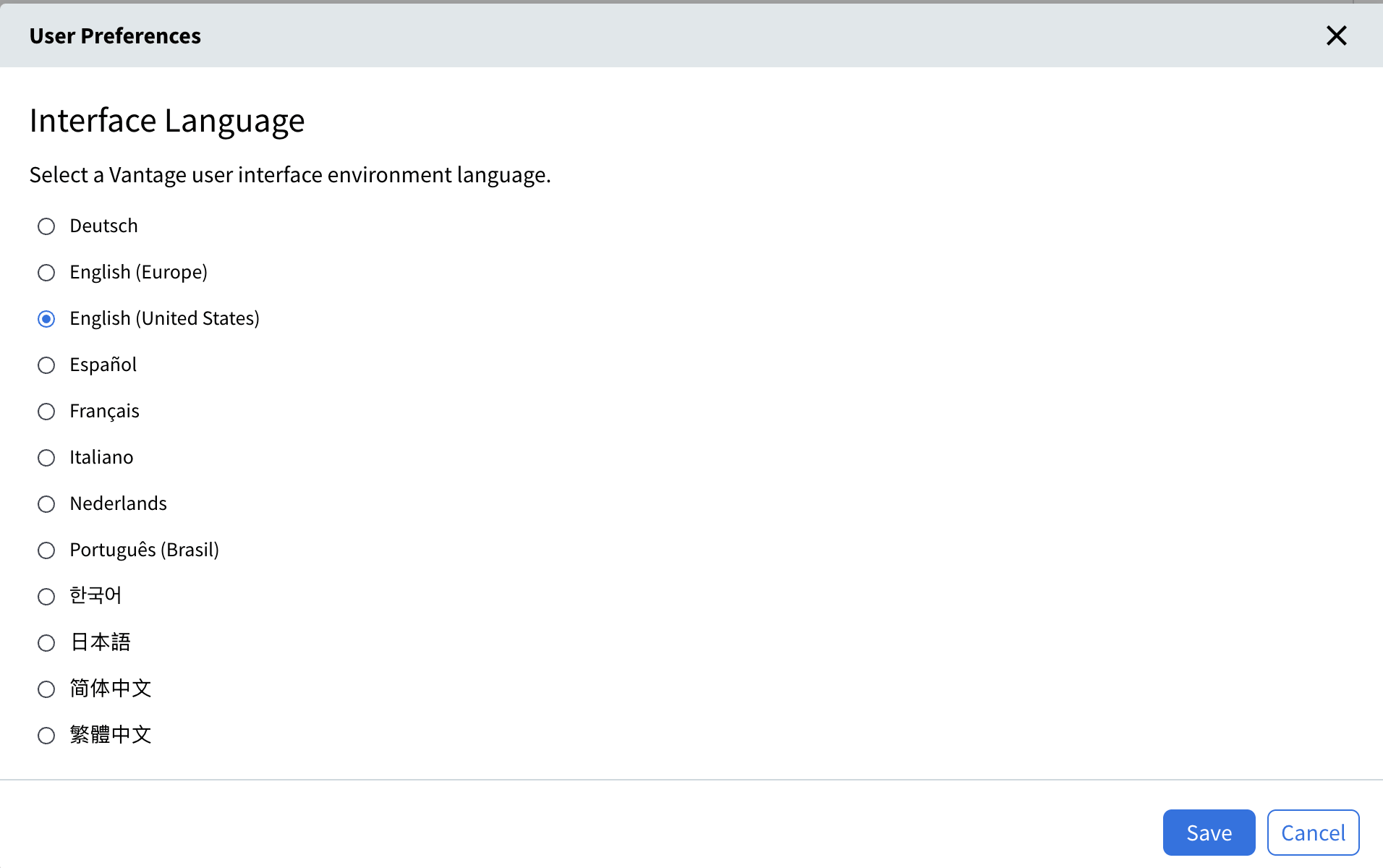
Under Interface Language, select the language you want.
3
Save your choice
Click Save.
Supported interface languages
Vantage supports the following interface languages. The list shows each language under its native name.
The two English options match in wording but differ in date and number formats.