Open the Reference browser tab
Select Reference browser on the View menu or press Ctrl+Alt+R.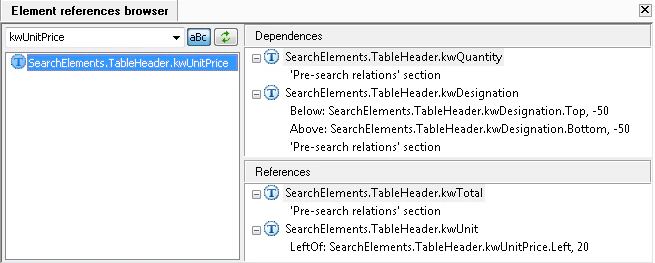
View element dependencies and references
1
Search for an element
Enter an element name or select a previously entered element from the list. Click the aBc button to toggle between case-sensitive and case-insensitive search modes.
2
Select a found element
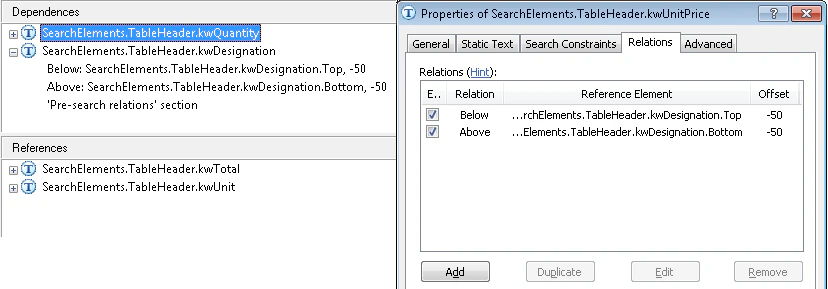
The found elements will be shown in the pane on the left. Click an element to view its dependencies or references.The Dependencies pane shows the elements referred to by the selected element. The References pane shows the elements which refer to the selected element.
3
View the properties of a dependency or reference
You can expand the lists to view all the dependencies or references. Double-click a dependency or reference to display the properties of the corresponding element.