
Completing a task
Click Complete in the Actions pane to finalize the task.Rejecting a task
To reject the task, select Reject in the Actions pane. Rejecting a task returns it to the manual review queue.After rejecting a task, automatic task assignment is paused. Click Get new task to resume receiving tasks.
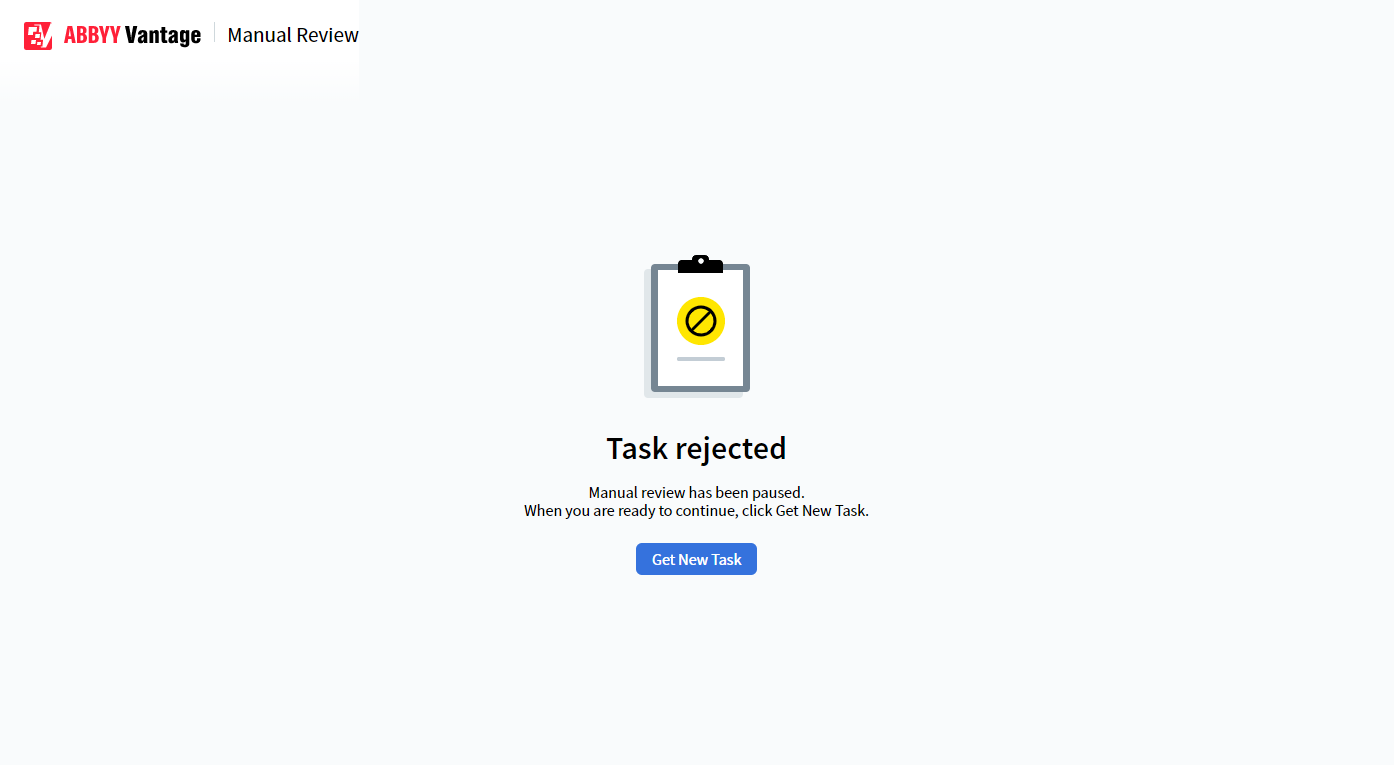
Task rejected screen — click Get new task to resume automatic assignment