1
Log in to the Administration and Monitoring Console
Use your account credentials to log in to the Administration and Monitoring Console under your tenant on the appropriate FlexiCapture Cloud site, for example https://europe.flexicapture.com/FlexiCapture12/Login/Monitoring.
2
Open the user settings
Go to Settings and choose Users.
3
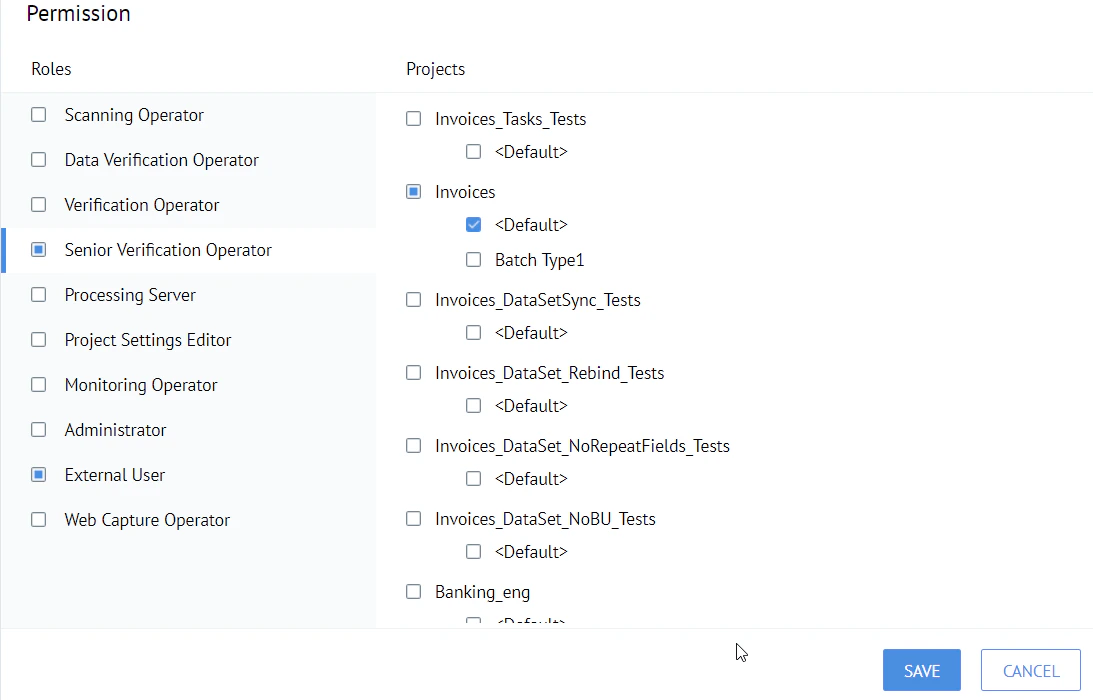
Assign the roles
In the Permissions settings, select the Senior Verification Operator and External User roles, as well as the Default batch under the selected project. Save your changes.