
%ProgramData%\ABBYY\FlexiCapture\12.0\FlexiBr[Svc]\Logs.
Enable Processing Server logging
In the Processing Server Monitor, click Processing Server Properties on the shortcut menu and select Write Processing Server trace log.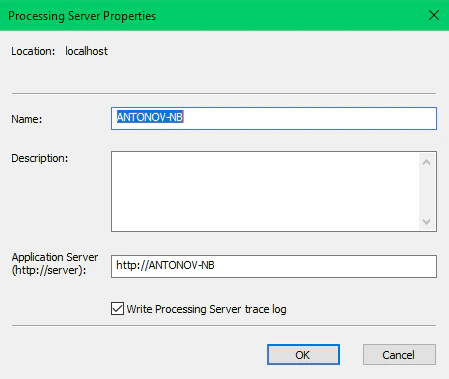
Enable Processing Station logging
In the Processing Server Monitor, click Station Properties on the shortcut menu and select Write Processing Station trace log.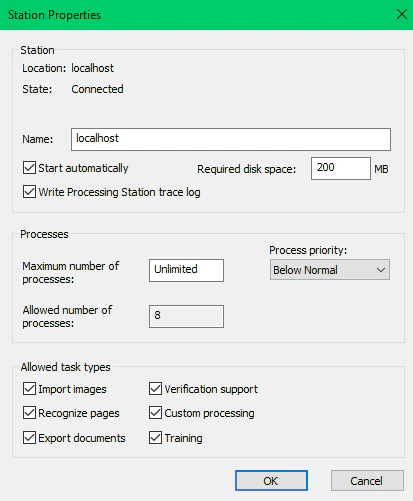
Set up logging using the registry
Adjust Processing Server and Processing Station logging through the registry keyHKEY_LOCAL_MACHINE\SOFTWARE\ABBYY\FlexiCapture\12.0\FlexiBr.
A filter string switches individual logs on and off. For example,
+Licensing;+AppState;-*;+Monitoring enables the Licensing and AppState logs, while the -* mask disables the Monitoring log.