
Advanced and Advanced for All Instances tabs
To open the Properties dialog box, in the FlexiLayout window, right-click the Repeating Group element and select Properties… on the shortcut menu.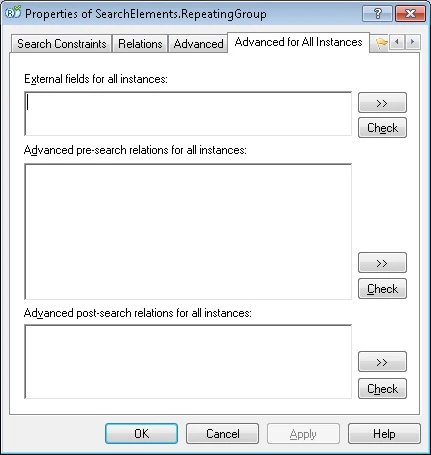
- MinRepetitions
- MaxRepetitions
- PaginalMode
- MinRepetitionsOnPage
- MaxRepetitionsOnPage
Access element instances
Use the following pre-defined names to access element instances:
You can access subelements of a Repeating Group element even when they are located lower down in the element tree.
You can also use the following methods of the FlexiLayout language to work with element instances:
- HasInstances – Checks whether any instances have already been found.
- InstancesCount – Returns the number of detected instances.