- Loading images from Hot Folders
- Applying Document Definitions and recognizing documents
- Exporting data to predefined storage locations
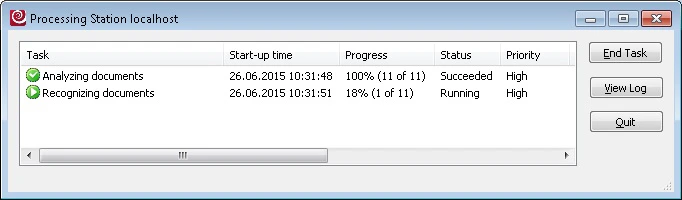
View the current tasks
1
Launch the Processing Station Monitor
Select Start → All Programs → ABBYY FlexiCapture 12 Stations → Processing Station. A Connect to Station dialog box opens.
2
Locate the Processing Server
Specify one of the following:
- Network host – The name of the computer on which the Processing Server is installed (used when the Processing Server and the Processing Station are on different computers).
- Local host – Used when the Processing Server and the Processing Station are on the same computer.
To start a Processing Station, open the Processing Server Monitor and select the station. Then select Start from the Actions menu or the station’s shortcut menu, or click the corresponding toolbar button. The station runs as a service.