Availability of this feature depends on your role. For more information, see Role-based access control.
Search for a skill
Enter a keyword or skill name in the search bar in the toolbar. Results include exact and partial matches. When you filter by skill type, search is scoped to that type.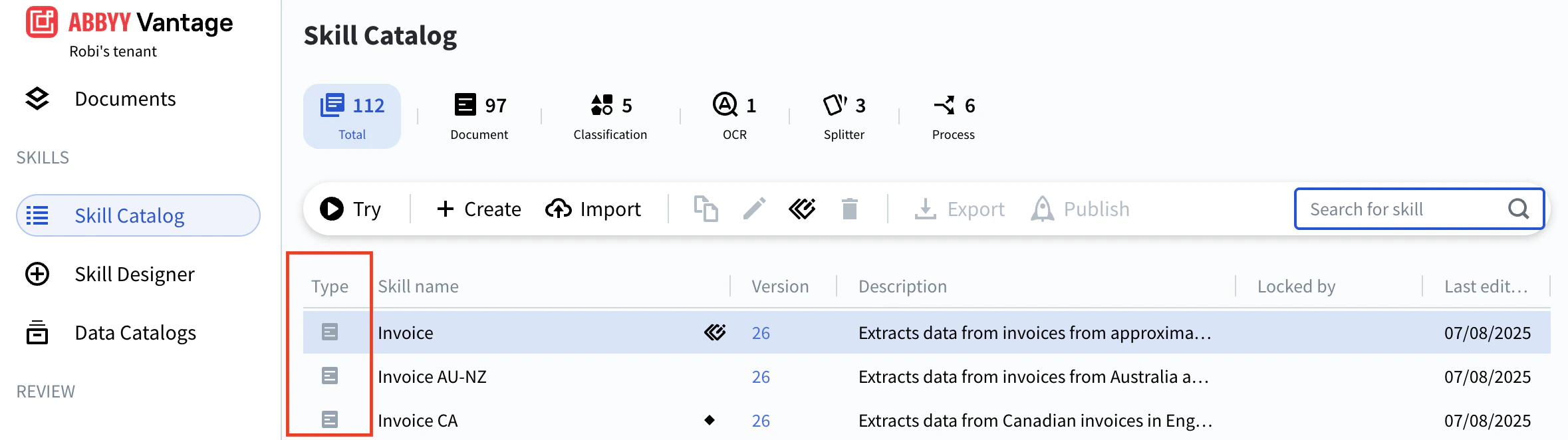
Filter by skill type
The Skill Catalog toolbar shows tabs for each skill type — Document, Classification, OCR, Splitter, and Process — each with a count of how many skills of that type your tenant has. Click a tab to scope the list (and any active search) to that type. Click Total to clear the filter.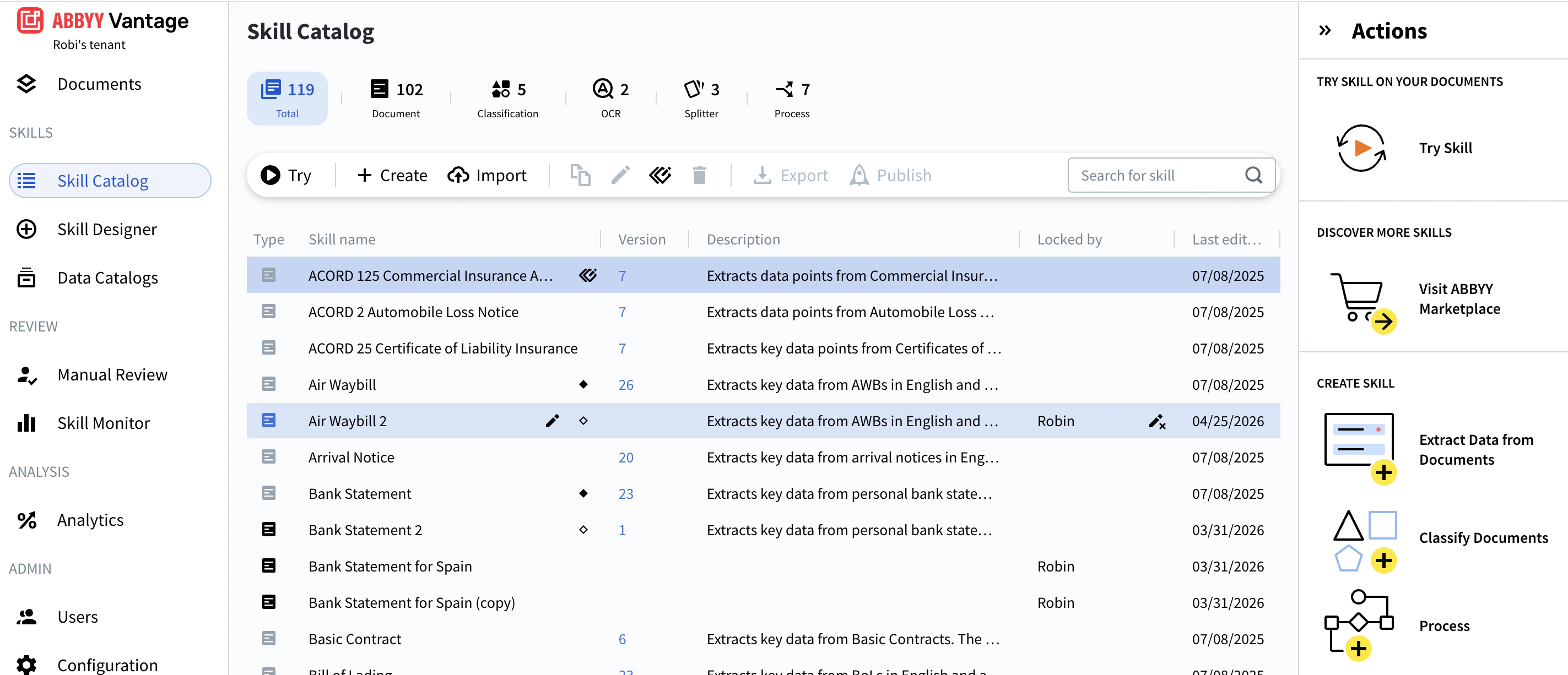
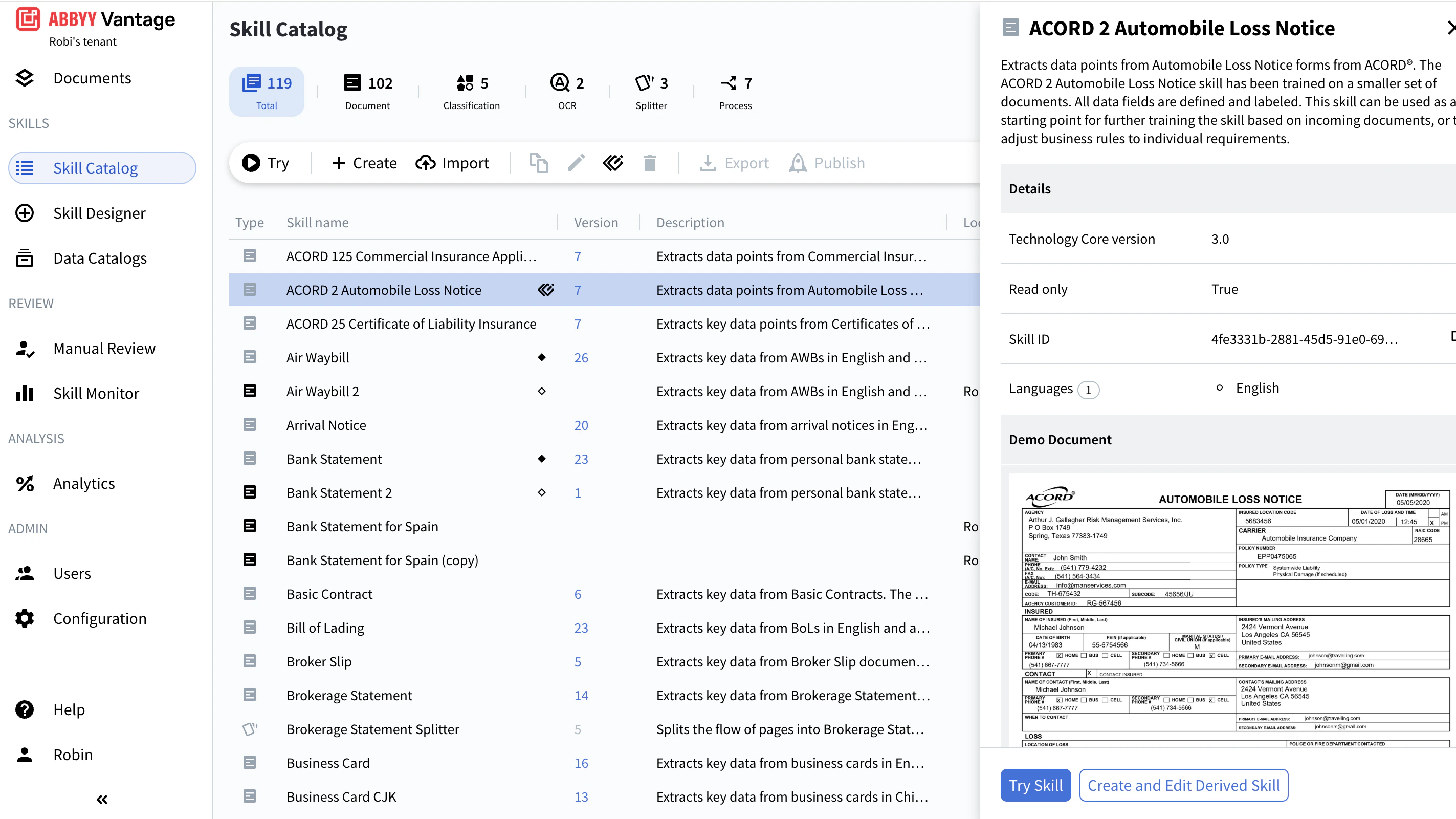
Preview a skill
To preview a skill, click its icon in the Type column to the left of the skill name. The preview window opens with the skill description, details (Technology Core version, Skill ID, languages, and more), and a Demo Document section that displays the demo documents uploaded with the skill. You can navigate through demo documents directly in the preview.