
ABBYY.ProcServer.FlexiCapture.12.0, whose process is FlexiBrSvc.exe launched with the -stationType:server key.
Before collecting diagnostic information, make sure the Processing Server machine has enough CPU power, RAM, and free disk space.
If the Processing Server cannot be launched
- Try opening the Processing Server Monitor and using it to launch the Processing Server.
- If the Processing Server Monitor cannot connect, check that the
ABBYY.ProcServer.FlexiCapture.12.0service is running.
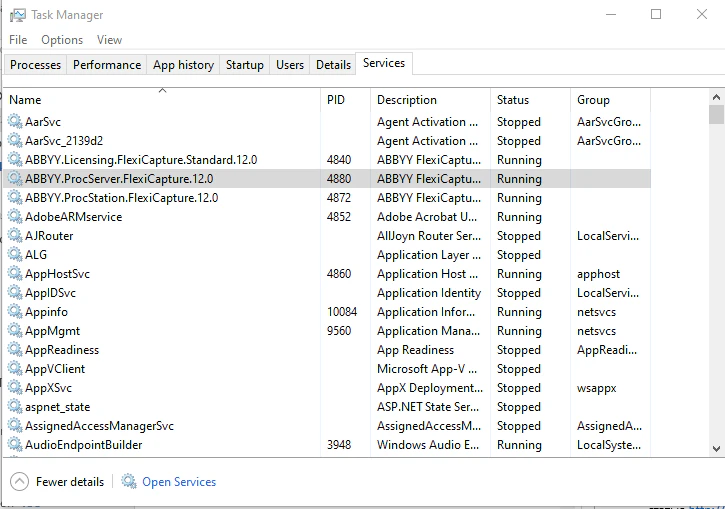
- If the Processing Server Monitor cannot launch it, check the system log on the Processing Server machine.
- In the Administration and Monitoring Console, verify that the account launching the Processing Server holds the Processing Server role.
If the Processing Server stops periodically
- Check the system log on the Processing Server machine.
- If server crash logs exist, set up crash dump collection. Wait for the next crash and send the dump to ABBYY Support.
- For any other error, collect the processing logs and send them to ABBYY Support. For more information, see Processing logging.