Adding switches
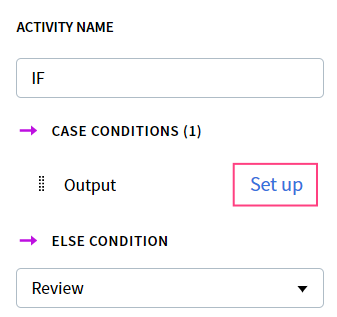
To set up checks for a Condition activity, start by using the directional arrows to connect it to all other activities that the flow may be switched to. The conditions will be checked in the order in which the workflow branches are connected to the condition block. To change their order, you will have to remove all connections and then reconnect them. A list of Case conditions and ELSE condition will appear in the Actions pane. In the drop-down list under ELSE condition, select the block that will be used for cases when all other conditions are not satisfied.Adding switch rules
Click the Set up hyperlink for each condition in the Case conditions list.