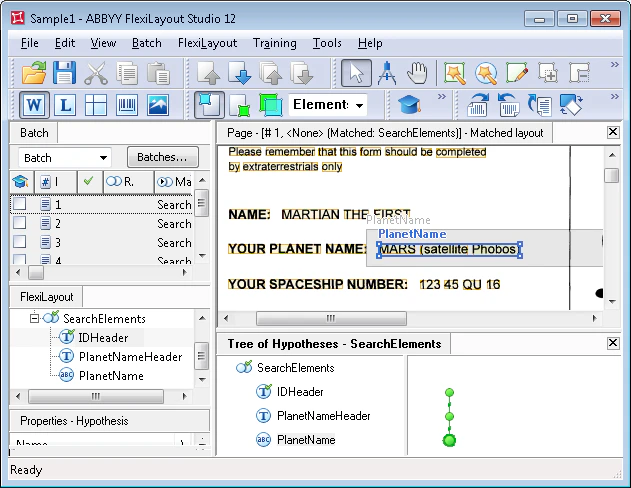
- Fast check – Select all images in the batch, and then run the Match command from the batch shortcut menu. View the results in the Image window in Matched Layout mode.
- Thorough check – Open each image and run the Match command from the FlexiLayout menu or the image’s shortcut menu. This takes longer but lets you view the formulated hypotheses.