1
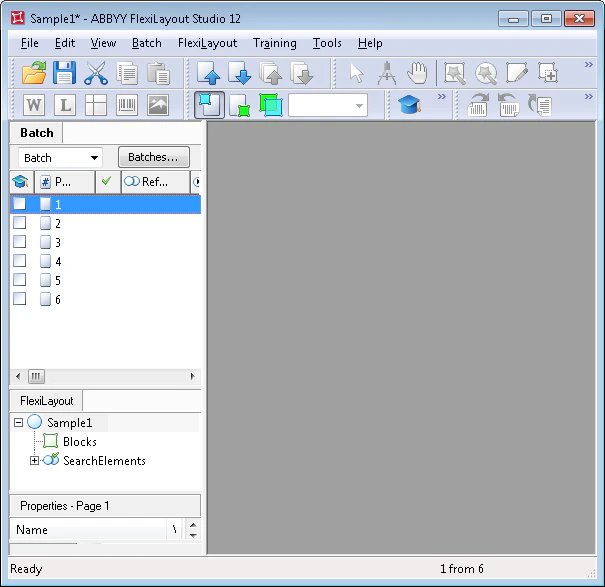
Open the Batch tab
In the main FlexiLayout Studio window, click the Batch tab.
2
Add the test images
In the File menu or the shortcut menu, select Open & Add Images….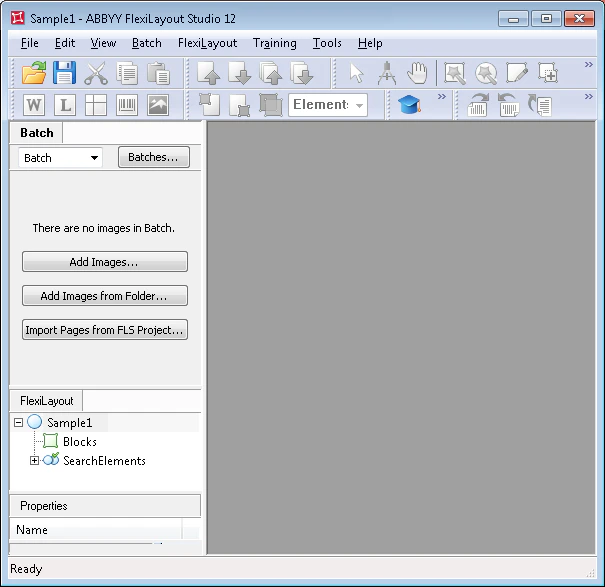
3
Set the reference assembly option
In the Open Images dialog box, click Image Preprocessing Settings…, and then select One document per file in the dialog box that opens.
4
Specify the test image files
The Sample 1 images are located in
%public%\ABBYY\FlexiCapture\12.0\Samples\FLS\English\Halloween Form\Halloween FormBatch\Halloween FormBatch\<page number>\Image\bwPage.frdat.