*.afl format in ABBYY FlexiCapture.
1
Launch ABBYY FlexiCapture
Start ABBYY FlexiCapture.
2
Open or create a project
Create a new project or open an existing one.
3
Open the Document Definition
Create a new Document Definition, or open an existing one in the Document Definition Editor.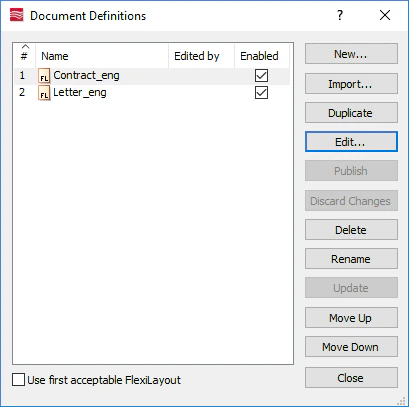
To open an existing Document Definition, select Project → Document Definitions…, select the Document Definition from the list, and click Edit….
4
Open the Section Properties dialog box
In the Document Definition Editor, select View → Properties….
5
Load the AFL file
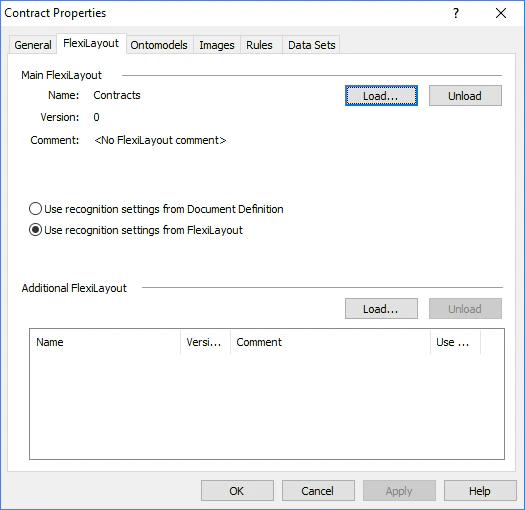
- Click the FlexiLayout tab.
- Click Load….
- In the Open dialog box, select the
*.aflfile.