
Send a batch to an FTP folder
1
Open the Send to FTP Options dialog box
Do one of the following: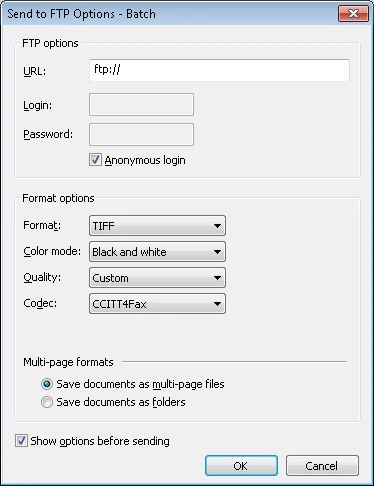
- Select File → Sending Options… and click the FTP tab.
- Click the arrow next to the Send To button on the Main Window Toolbars and choose Send to FTP Folder….
2
Set the export options
- Specify the name of the FTP folder where document batches will be saved.
- Enter the login and password (or select Anonymous login).
- Choose the file format and the other options.