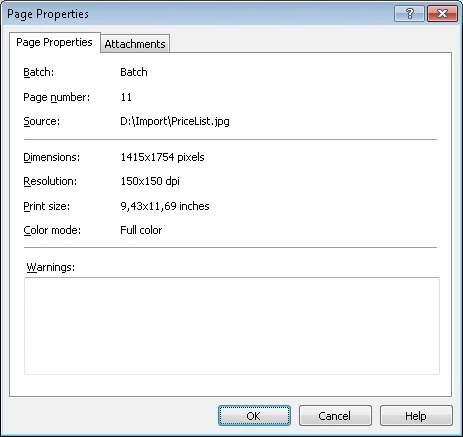
Properties of the selected page
- Batch
- Number in the batch
- Source
- Size in pixels
- Resolution
- Print size in inches
- Color mode
- Scanning quality warnings
Open the Page Properties dialog box
To open the Page Properties dialog box, select the image in the Batches Window or Image Window, and then do one of the following:- Select Page → Properties….
- Right-click the image and select Properties… from the shortcut menu.
- Press Alt+Enter.