Documentation IndexFetch the complete documentation index at: /llms.txtUse this file to discover all available pages before exploring further.
Fetch the complete documentation index at: /llms.txt
Use this file to discover all available pages before exploring further.
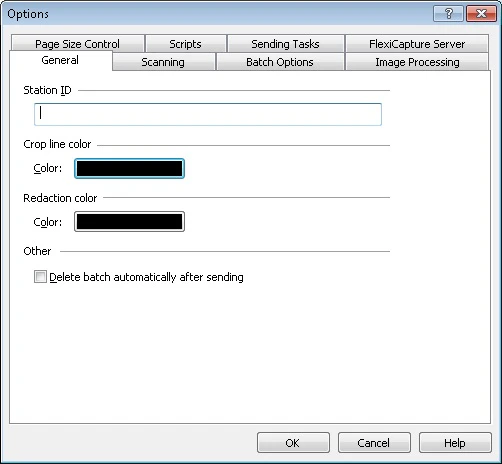
Open the Options dialog box to set Scanning Station preferences for scanning, batches, image processing, scripts, sending, and the FlexiCapture server.
Was this page helpful?