
- For individual batches: click Customize Toolbar… on the Scripts tab of the Tools → Options… dialog box.
- For a specific batch type: you can customize the Scripts toolbar when creating the batch type with the Batch Type Wizard or adjust it in the Batch Type Properties dialog box. To do so, click Customize Toolbar… on the Scripts tab.
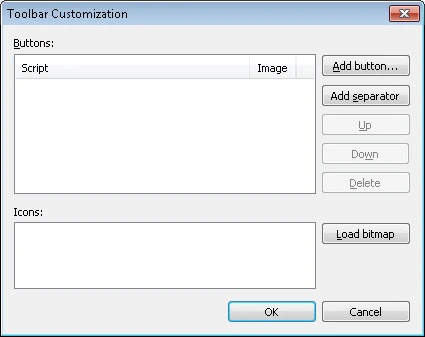
Add and arrange script buttons
Load button icons
When you load button icons:- You can load only one BMP file for all icons.
- To add icons for more than one button, load a bitmap that contains all the necessary pictures.
- The BMP file must be 24x24 pixels.
- The loaded bitmap is split automatically.