
Batch type properties tabs
Change batch type properties
1
Select the batch type
Select the batch type from the Selected batch type drop-down list on the Main Window Toolbars.
2
Open Batch Type Properties
Click the Batch Type Properties button.
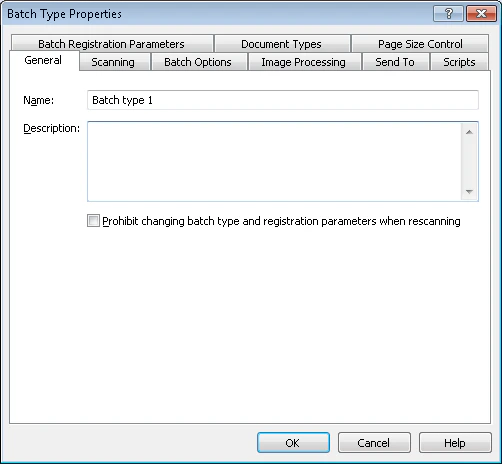
Batch Type Properties dialog box in ABBYY Scanning Station edits scanner, separation, image processing, export, scripts, and registration settings.
Select the batch type
Open Batch Type Properties