Control page parameters per batch or batch type
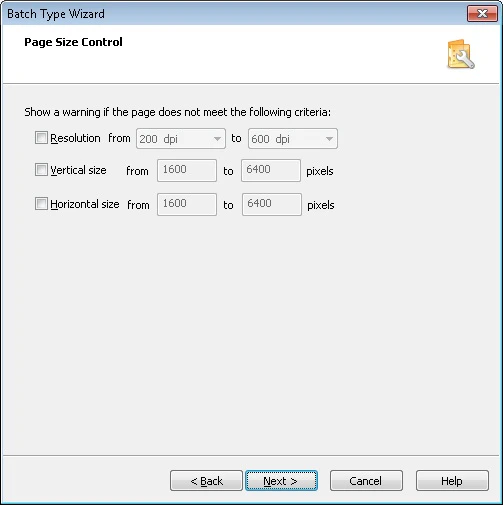
You can control page parameters both for individual batches and for a group of batches of the same type:- For individual batches, configure the settings on the Page Size Control tab of the options dialog box.
- For a group of batches of the same type, configure them during batch type creation in the Batch Type Wizard or afterward on the Page Size Control tab of the Batch Type Properties dialog box.