
- Select Local file.
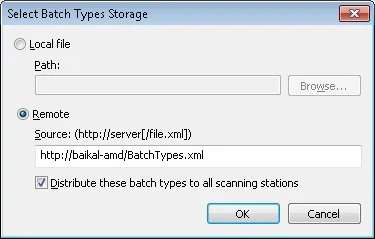
- Select Remote.
Store batch types in a local file
For a local file, specify the path in the Path field. Click Browse… to find the location.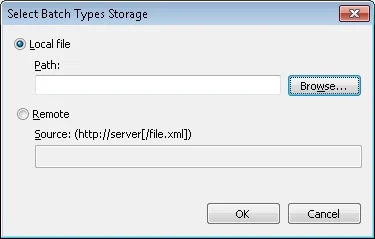
Store batch types on a remote server
For a remote file, specify the path inhttps://server[/file.xml] format.
To work with a tenant’s project, add the tenant’s name to the server’s address. The address must look like this:
https://<server_name>#<tenant_name> (for example, https://localhost#tenant).Distribute batch types to all Scanning Stations
When sending batch types, you can select Distribute these batch types to all Scanning Stations:- Selected: all scanning stations bound to the server attempt to load batch types data from the server at startup.
- Deselected: the scanning stations do not contact the server to retrieve batch types.