
- For individual batches, scripts are configured on the Scripts tab of the options dialog box.
- For a certain batch type, you can add, edit, or delete scripts when creating the batch type with the Batch Type Wizard or configure them on the Scripts tab of the Batch Type Properties dialog box.
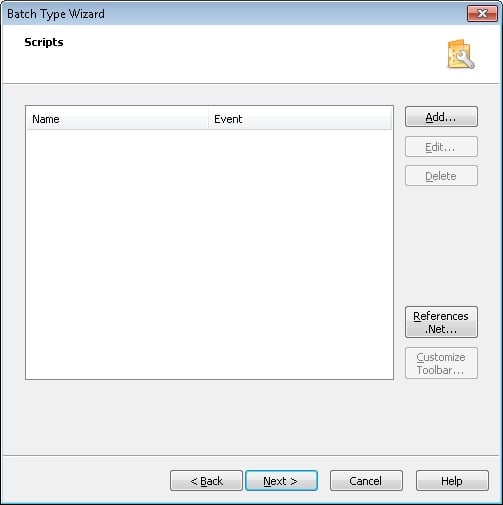
Add, edit, and delete scripts
Use the buttons on the Scripts tab to manage scripts:The button is grey if there are no scripts in the current batch type.
Run a script
To run an added script:1
Open the Run Script dialog box
Select the Run Script command from the Edit menu.
2
Select a script
In the Run Script dialog box, select a script from the list of scripts available for this batch type.
3
Run the script
Click OK.