
- Select a task
- Send processed tasks to verification
- Reject tasks or send them to Exceptions
- Specify the names of the registration parameters whose values appear in the Batch info column
- Select Tools → Rescanning Tasks…
- Press Alt+G
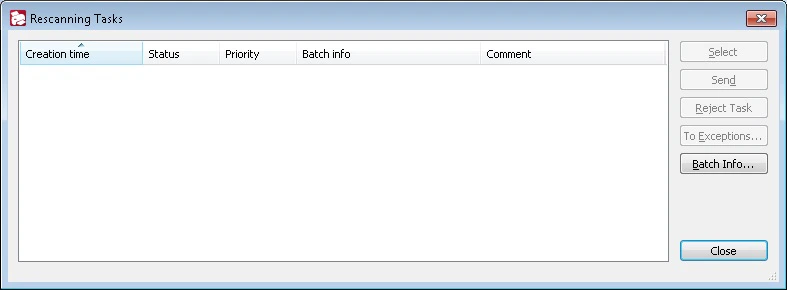
- Creation time
- Status
- Priority
- Batch registration parameters (batch info)
- Comment
Add batch registration parameters
To add the Batch info, click the Batch Info… button and enter the names of the batch registration parameters. Their values appear in the Batch info column, separated by semicolons. If a specified registration parameter is missing, its value will be empty. Values from the Batch info and Comment columns help the Operator to distinguish tasks.Manage rescanning tasks
Use the buttons on the right to manage tasks:
For more information, see Rescanning tasks.