
- Click Control Panel → System and Security → Administrative Tools → Internet Information Services (IIS) Manager.
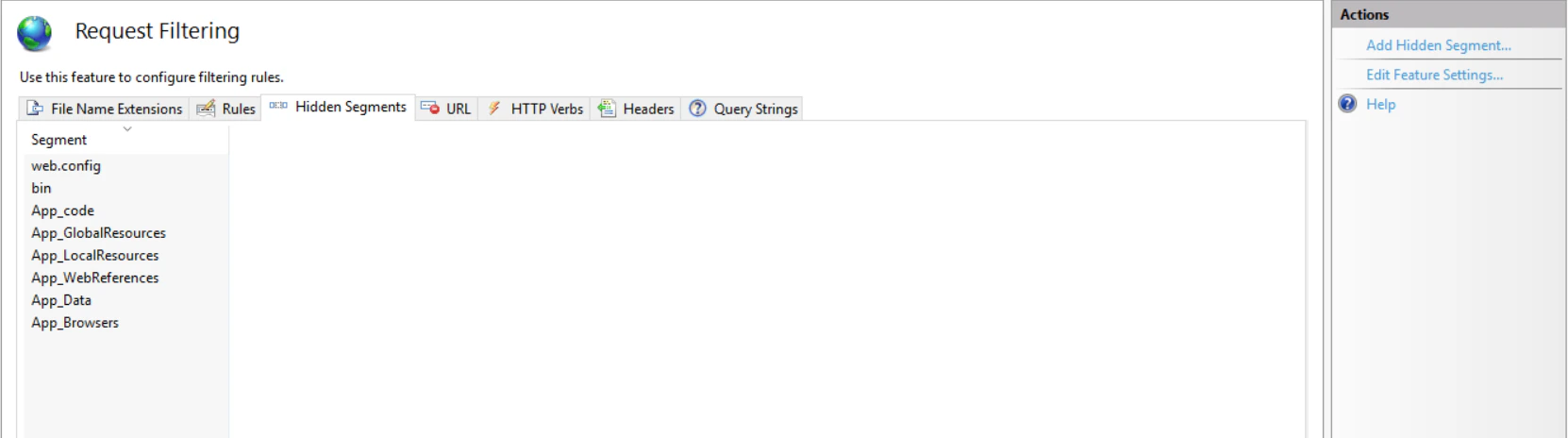
- In IIS Manager, navigate to the filtering settings: Sites → Default Web Site → FlexiCapture12 → Server → Request Filtering.

- On the Hidden Segments tab, click Edit Feature Settings…
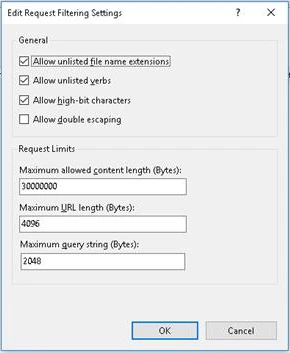
- In the Edit Request Filtering Settings dialog box, enter a value in the Maximum allowed content length (Bytes) field.
- Click OK.