Errors without HTTP error codes
If you see errors that do not contain an HTTP error code (such as 400 or 500) when working on a Web Station:- Press F12 to open the Developer console.
-
Go to the Console tab.
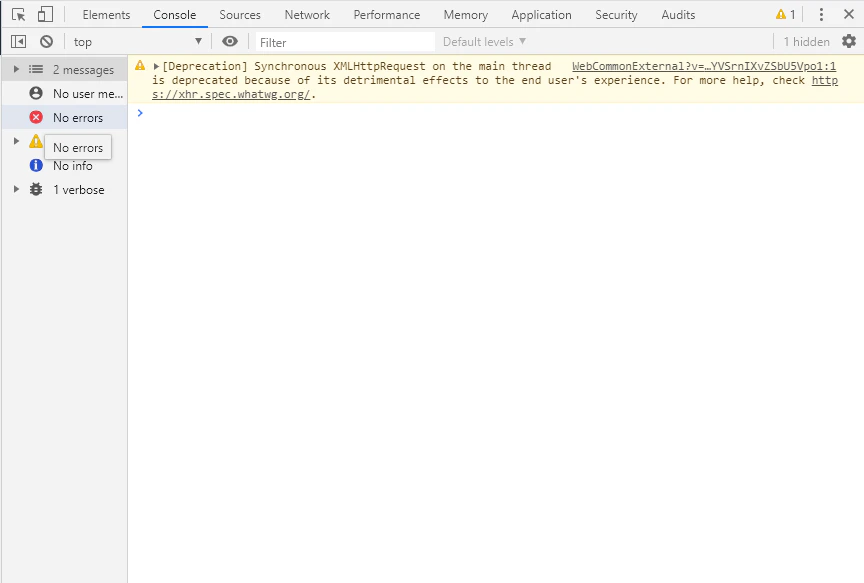
- Copy the error list displayed in the console.
- Enable logging for the Web Station that displays the error. For more information, see Web Station logging.
- Reproduce the error.
- Contact ABBYY’s technical support, providing the error list from the Console tab and the Web Station log files.
- The document layout cannot be displayed completely or partially when taking a job.
- “Parameter cannot be null.”
Errors with HTTP error codes
If an error window containing an HTTP error code appears on the Web Station (for example, “Error 400: bad request” or “Error 500 while completing task”):- Check the Application Server system log for errors.
- If the error cannot be reproduced reliably, enable logging on the Web Station that reports the error. For more information, see Web Station logging.
- If the error can be reproduced reliably, enable Fiddler logging. For more information, see Fiddler logging.
- Contact ABBYY’s technical support, providing the Web Station logs and the Fiddler logs for the time period when the error occurred.
The “Cannot get license ticket” error on Web Stations
The “Cannot get license ticket” error can occur on a Web Station when you open a job or try to scan or add an image to a batch: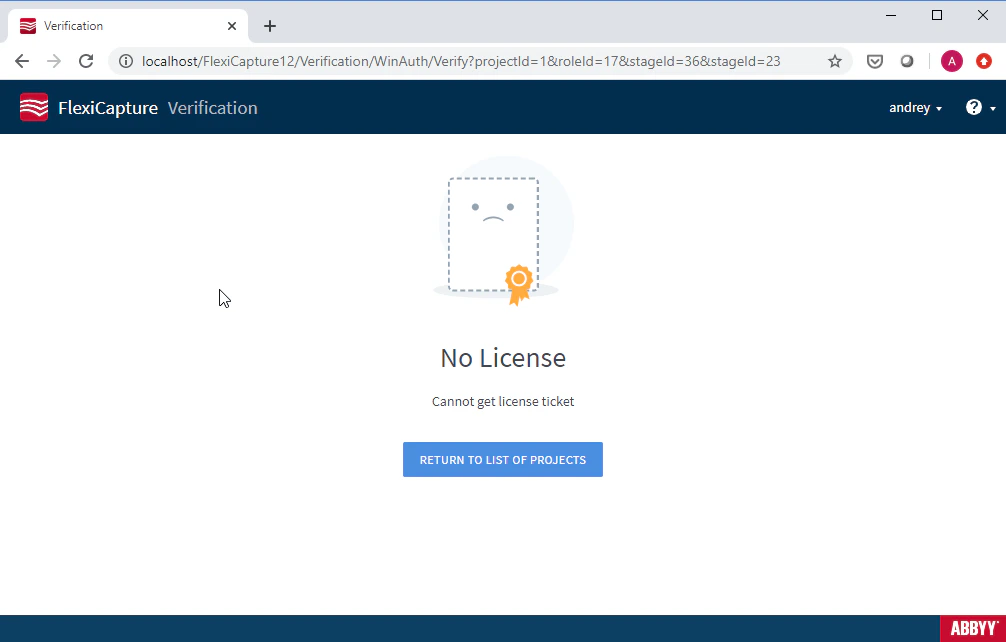
- The Processing Server is running.
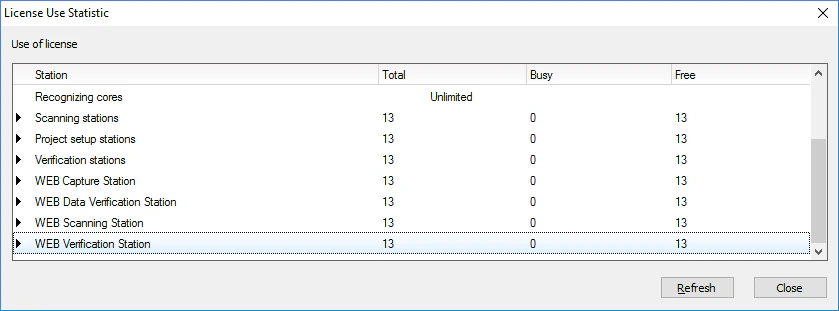
- Free licenses are available. To check, launch the License Manager, select a license, and go to Service → License Usage Statistic… in the main menu.