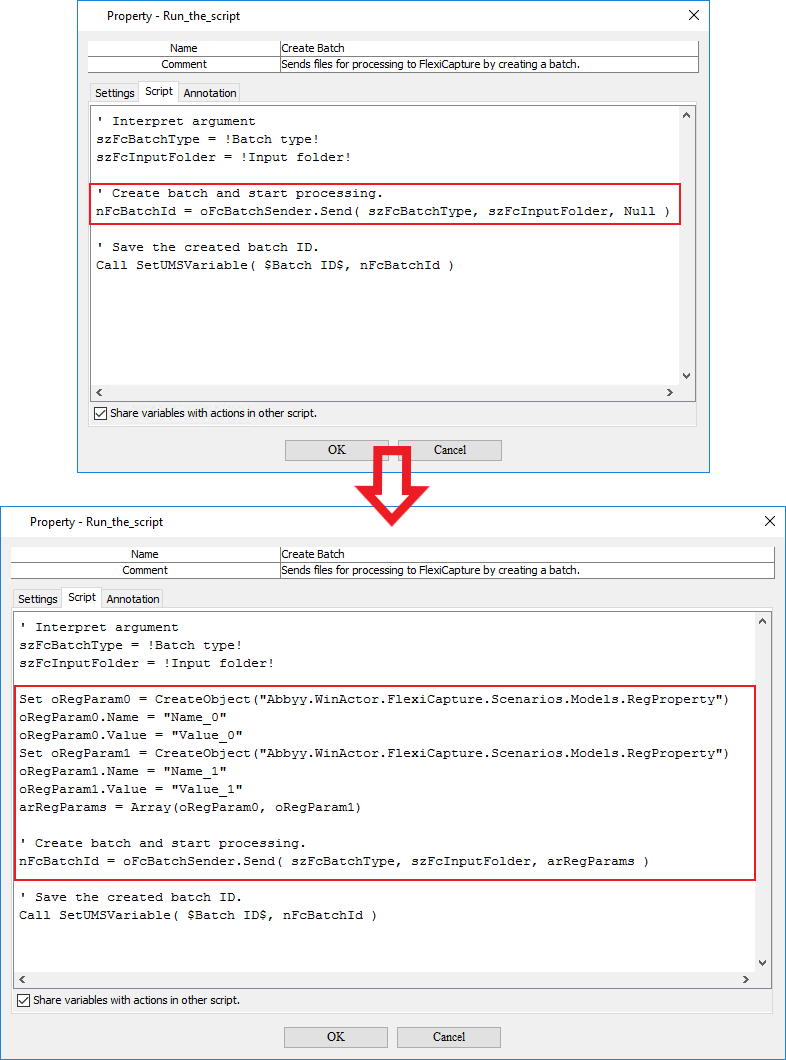
Specifying batch registration parameters in the script
The ABBYY FlexiCapture Connector for WinActor lets you specify batch registration parameters when sending documents to FC.To specify batch registration parameters:
Open a workflow in WinActor Office Robot.
Open the properties of the Create Batch user library.
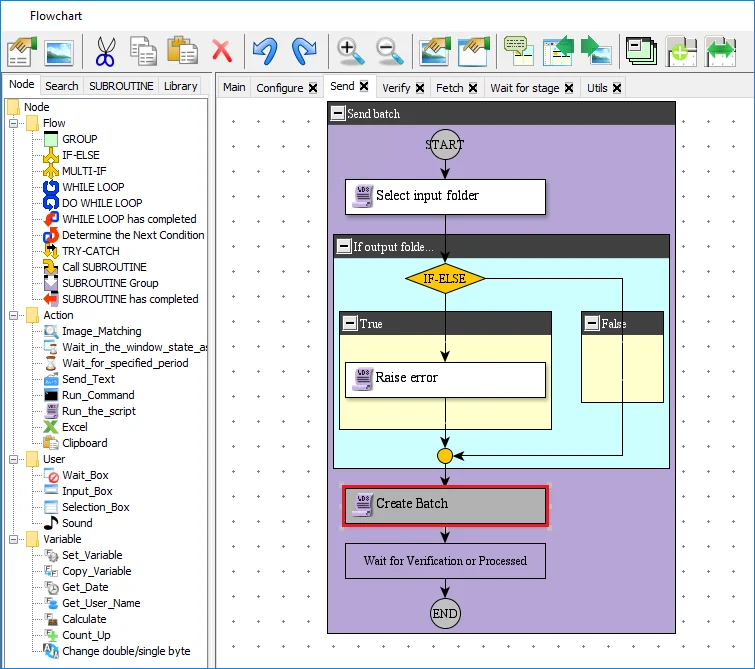
On the Script tab, replace the “Create batch and start processing” section of the script with the following code:
This script contains the names and values of batch registration parameters. You can add any number of “name–value” pairs to the script.Registration parameter values can be used, for example, for naming export files.