
C:\ProgramData\ABBYY\FlexiCapture\12.0\Licenses, and send them to ABBYY’s technical support together with a description of your problem.
The “RPC Service is not available” error
If you see an “RPC Service is not available” message when the program tries to access the Licensing Server, verify that port3020 is not blocked by your firewall and is not used by any other application (this port is often used by the Common Internet File System, for example). If port 3020 is used by another application, specify a different port:
- On the computer where the Licensing Server is installed, open the
LicensingSettings.xmlfile. By default, this file is located inC:\Program Files (x86)\Common Files\ABBYY\FlexiCapture\12.0\Licensing. - In the
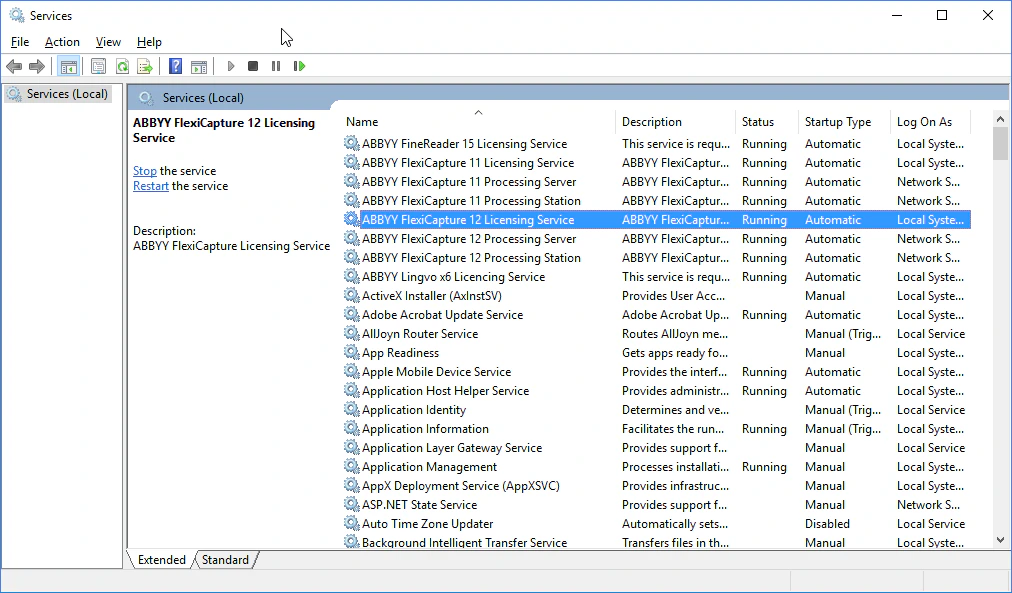
LicensingSettings.xmlfile, locateEndPointName="3020"and specify a different port inside the quotes. - Restart the ABBYY FlexiCapture Licensing Service.
LicensingSettings.xml file, locate EndPointName, and change its value to the port you selected in step 2.