
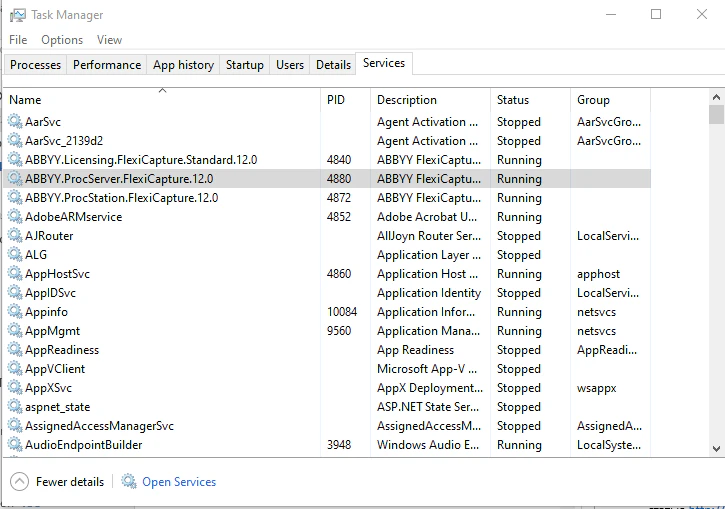
ABBYY.ProcServer.FlexiCapture.12.0, and the process is called FlexiBrSvc.exe (it is launched using the -stationType:server key).
Before you start collecting diagnostic information, make sure that the machine where the Processing Server is installed has enough CPU power, RAM, and free disk space.
If the Processing Server cannot be launched
- Try opening the Processing Server Monitor and using it to launch the Processing Server.
- If you are unable to connect to the Processing Server using the Processing Server Monitor, check that the Processing Server service (ABBYY.ProcServer.FlexiCapture.12.0) is running.
- If the Processing Server cannot be launched using the Processing Server Monitor, check the system log of the machine where the Processing Server is installed.
- Use the Administration and Monitoring Console to verify that the account that was used to launch the Processing Server has the Processing Server role.
If the Processing Server stops periodically
- Check the system log of the machine where the Processing Server is installed.
- If there are any server crash logs, set up crash dump collection. Wait for the next crash and send the crash dump to ABBYY’s technical support.
- If other errors occur, get processing logs for the server (see Processing logging for the Processing Server and Processing Stations) and send them to ABBYY’s technical support.