
Workflow Designer
When you debug a workflow, all activity logs appear in design mode. To view them, click the Messages tab after starting the activity.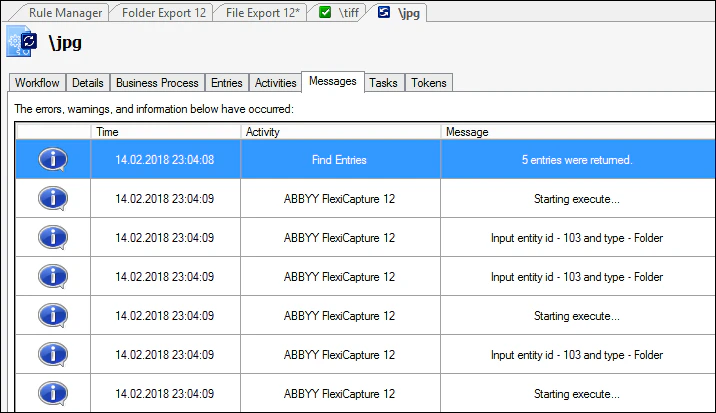
Business process in Laserfiche Client
No logs appear in business process mode, meaning when you start the activity from Laserfiche Client. In this mode you can only get information about errors that occurred while the process ran. Find theactivity errors.log file in the following folder on the computer hosting Laserfiche: