
Install the activity package
Two packages make up the activity package:Abbyy.FlexiCapture.WebApi.Client.nupkg and Abbyy.UiPath.FlexiCapture.MultiTaskActivities.nupkg. Where you put them depends on your UiPath edition.
UiPath Community
Copy both packages to the local activity feed folder, whereXX.X.X is your UiPath version:
UiPath Enterprise
1
Open the Libraries tab
Open Orchestrator as an administrator and go to the Libraries tab.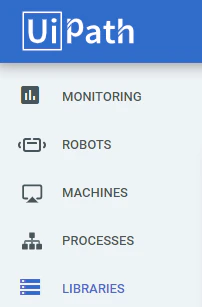
2
Upload both packages
Click Upload and choose both packages.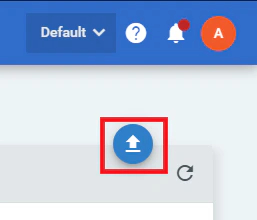
Install the UiPath processes
To install the Batch Sender, Batch Monitor, Batch Verifier, and Batch Fetcher processes, copy the appropriate folders from the installation directory to any location on your local machine. Then open the processes in UiPath Studio and click Publish on the Design tab to publish them in UiPath Orchestrator.Launch these processes only after the queues and assets have been created in Orchestrator. For more information, see Launch the Batch Sender, Batch Monitor, Batch Verifier, and Batch Fetcher processes.